We Flipped the Flipped Classroom
Students create 5-minute teach-back videosthat strengthen learning.
Students research a topic, build their Google Slides, and explain it in their own words — in a video capped at five minutes. No AI writing. No avatars. Just understanding, made visible.
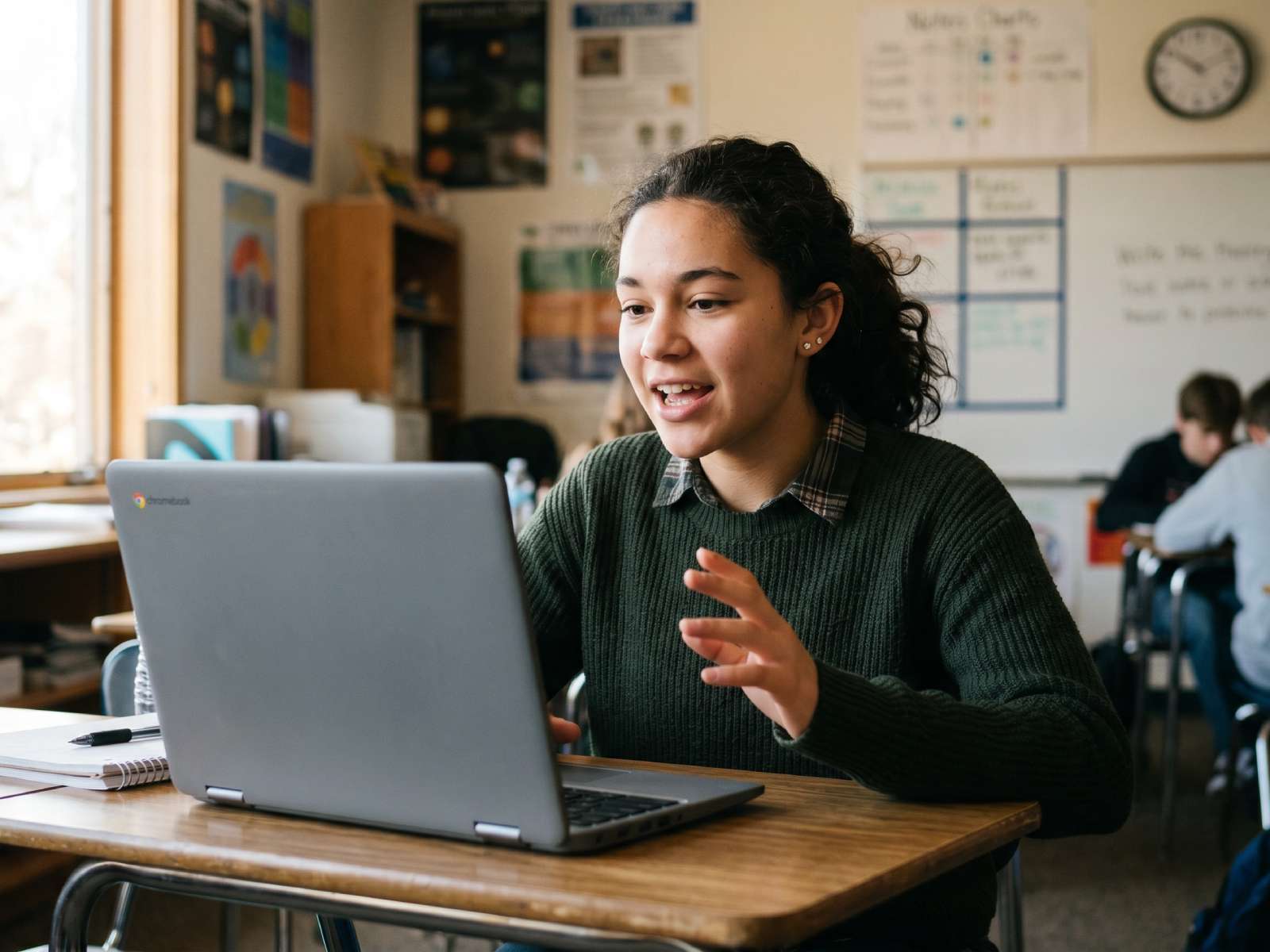
Teach-Back Learning
Students learn more when they explain the topic in their own words.
5-Minute Limit
Short, focused videos that are easy to watch and easy to assess. No AI.
Google Slides Native
Use the slide tool your school already relies on. Zero new learning curve.
Trusted by schools and universities globally
- Montgomery ISD
- Universidad Autónoma de Baja California
- St. Francis de Sales Catholic Academy
- DoDEA
- Box Elder School District
- Everett Public Schools
- Davis School District
- University of Santo Tomas
- Hogeschool VIVES
- Odense Kommune
What Fishbole Does
Fishbole lets students create 5-minute video presentations where they research a topic and explain it in their own words, leading to deeper learning and clearer understanding.
Students learn deeply by explaining the content. Fishbole makes that easy, structured, and watchable.
Try For Free →The research behind teach-back
Create > consume
Students learn more when they construct explanations than when they read or watch.
ICAP framework — Chi & Wylie, 2014
35%+
Improved learning when students prepare to teach vs. standard study (g = 0.35, meta-analysis).
Kobayashi, 2019
Higher recall
Students expecting to teach remember and organise more.
Nestojko et al., 2014
Video > text
Students learn more creating audio-visual teaching materials than written ones.
Ribosa & Duran, 2022 meta-analysis
No Learning-Pyramid or “90% retention” claims here — those aren’t evidence-based, and we’d rather you trust the numbers we do use.
Designed for real understanding in the age of AI
As AI makes it easier to generate polished content, Fishbole helps educators focus on what matters: students explaining concepts in their own words.
Deeper learning
When students teach a concept back, they engage more deeply. They must decide what matters, structure their thinking, and explain it in their own words. That process strengthens understanding and makes learning visible.
Learn why teaching a topic back strengthens learningAuthentic assessment
Student explanations, not AI outputs. Every submission is recorded by the student — in their own voice. No avatars. No generated scripts. No automated responses. In an AI-assisted world, Fishbole helps educators assess real understanding — not polished text.
Teach-back vs AI-generated assignmentsAssessment in the age of AI
The oral exam, made scalable.
Universities are returning to oral examinations — not to catch cheating, but because polished written work no longer proves understanding, and AI detectors can't reliably tell the difference. When a student explains a topic, understanding is visible. A Fishbole teach-back brings that to every classroom: a 5-minute recorded explanation is an oral exam every student can sit — and every teacher has time to review.
Why universities are moving to oral assessmentYou won't be able to AI your way through an oral exam.
More ways to show understanding
Not every student shows their best thinking in an essay. Teach-back gives students who struggle with writing — or who think out loud — a way to demonstrate real understanding through speaking, structure, and slides. Same rigour, different mode of expression.
What is a teach-back assignment?
A teach-back assignment asks students to research a topic and explain it clearly in their own words — in a short video presentation. Instead of submitting a written report, students demonstrate understanding by teaching the concept back to their teacher.
Everything you need. Nothing you don’t.
Fishbole strips away complicated editing tools and screen-recording clutter — and keeps only the features that make teach-back simple, flexible, and fast.
Explore FeaturesFeatures
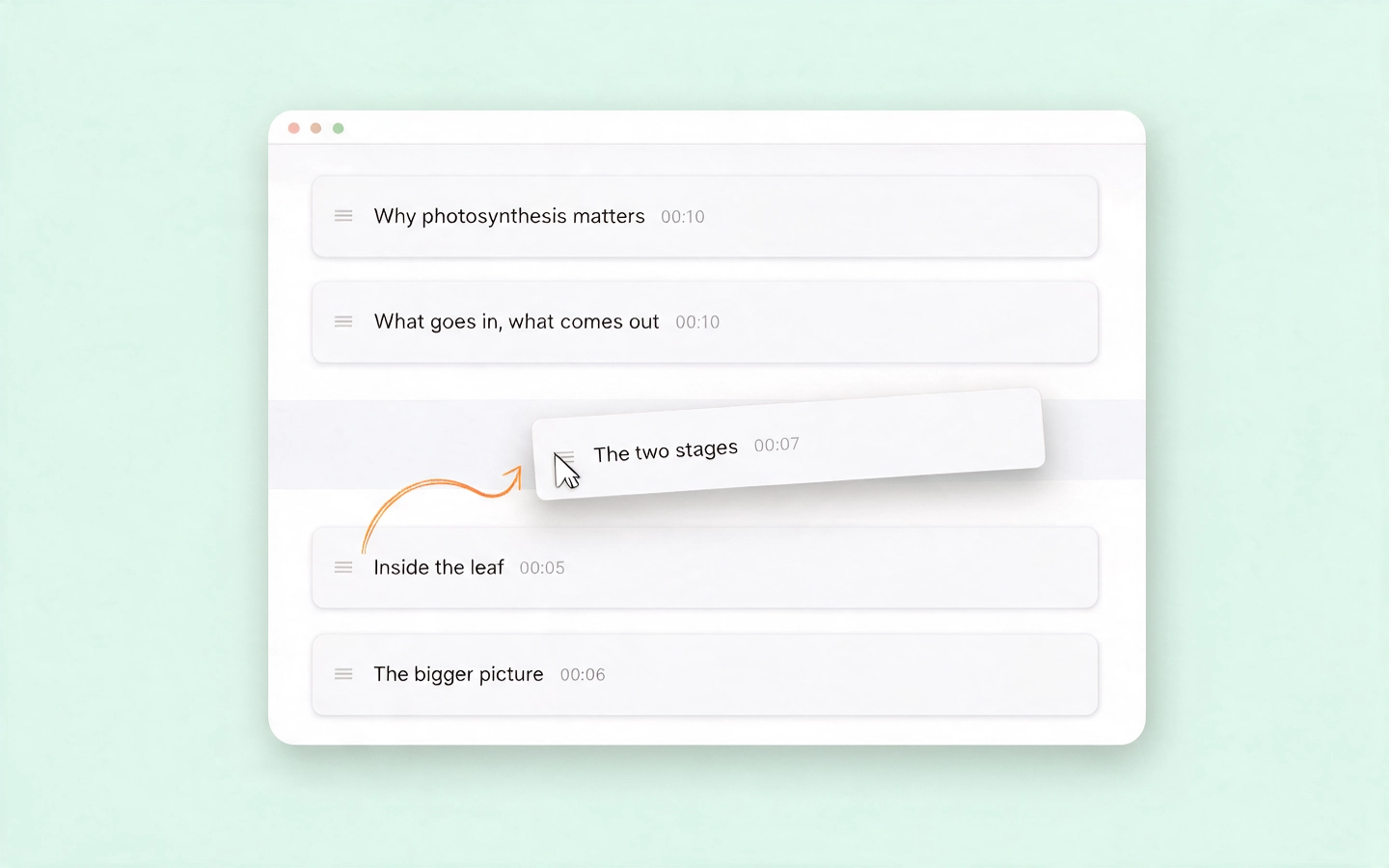
Chapter-Based Recording
Record in focused sections instead of one long take. Name chapters, rearrange them anytime — even after the link is shared — and reuse saved chapters in new presentations.
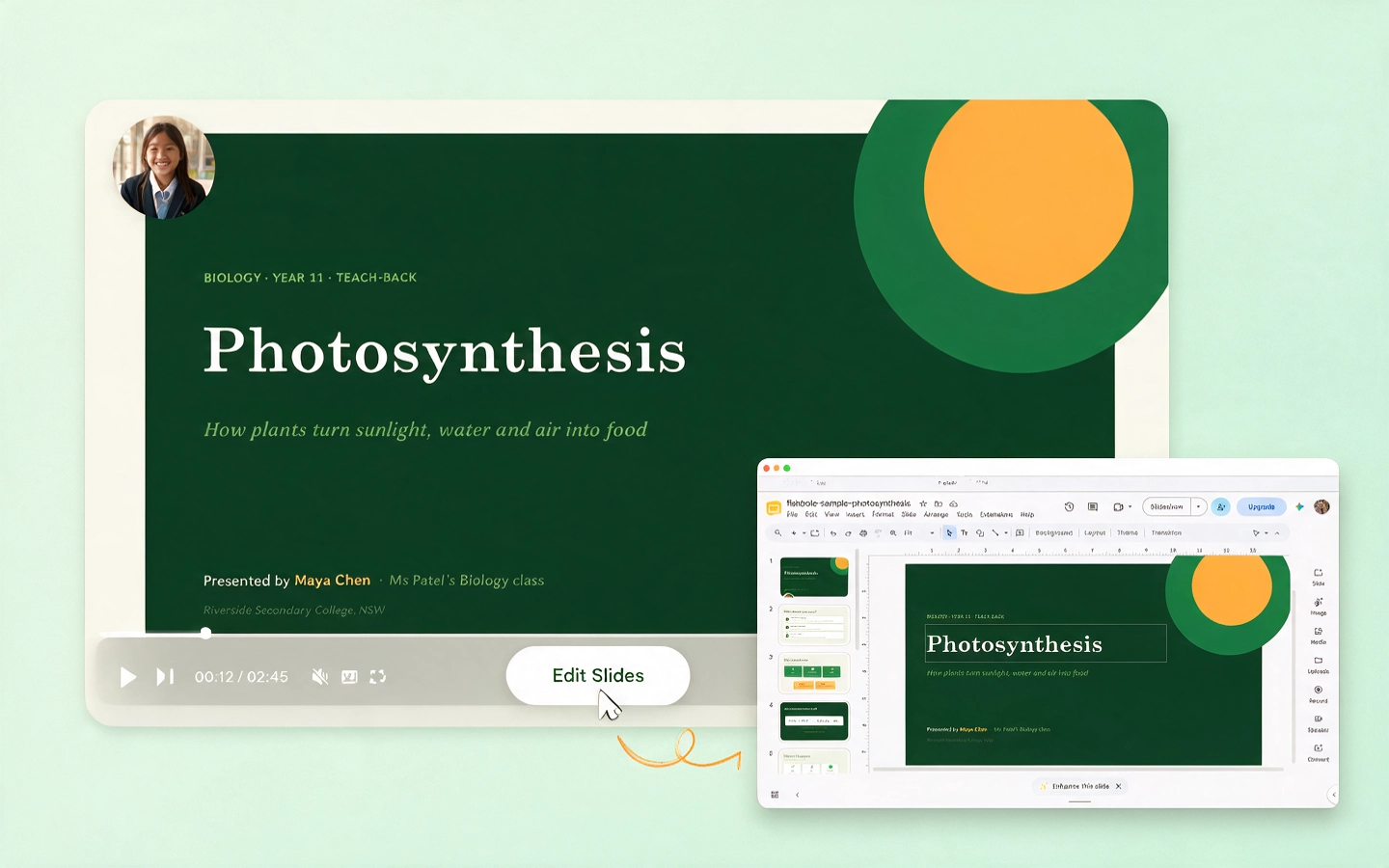
Live Google Slides Integration (not screen capture)
Slides connect through the Google Slides API, so they stay live and editable. Fix a typo after recording? Update the slide — every shared presentation updates automatically. No re-recording.
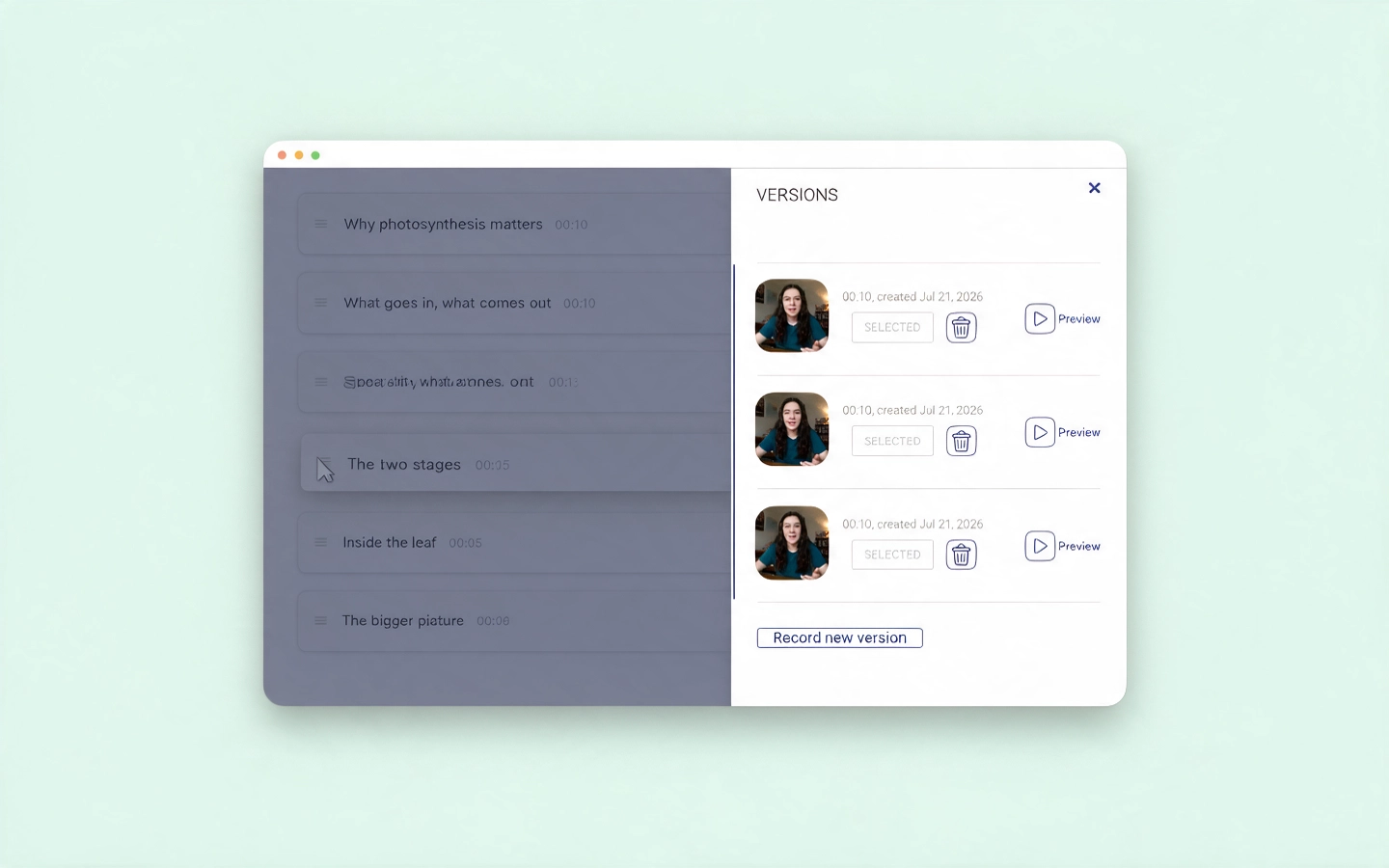
Multiple Recording Versions
Record several takes of a chapter and pick the best one later. All versions are saved, so students can refine before publishing.
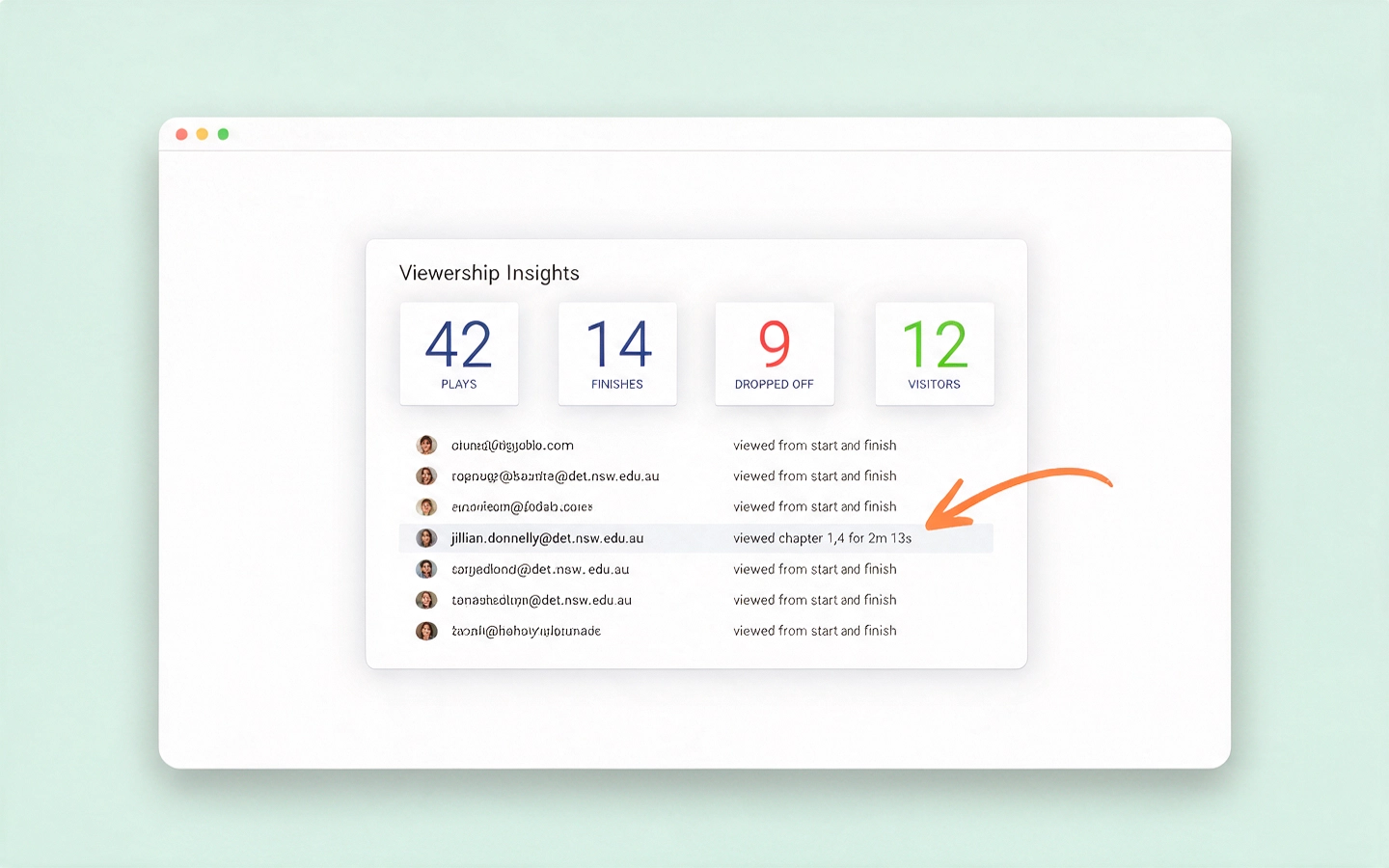
Viewership Insights
See who has watched and for how long. Visibility into participation and who needs follow-up.
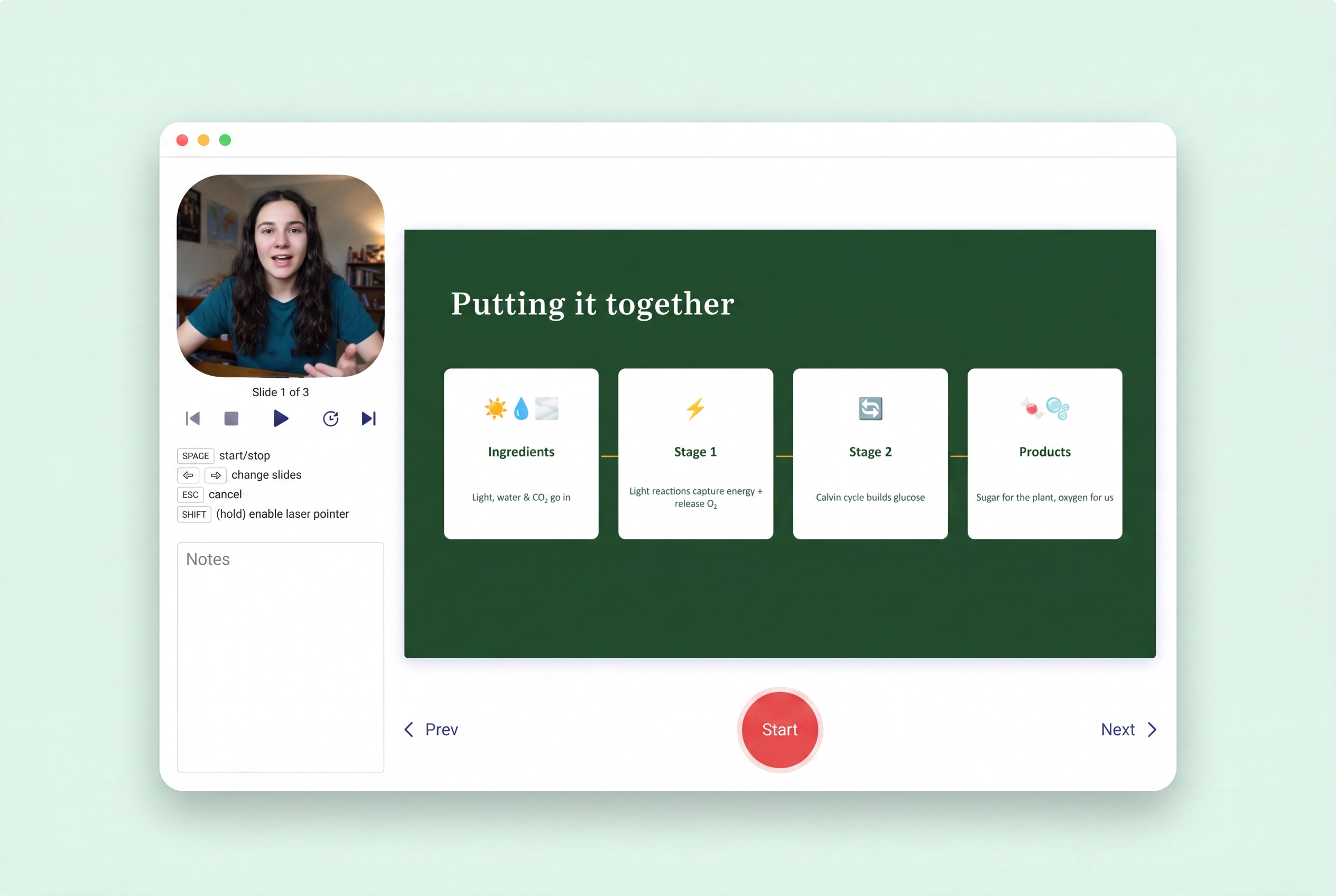
Simple, Browser-Based Recording
No editing timelines. No rendering. No production complexity. Just slides, voice, and structured explanation.
5 assignments to run with Fishbole
- 1
Research reports — replace the written report with a 5-minute explanation
- 2
Book responses — students present themes and arguments, not summaries copied from the web
- 3
STEM explainers — explain the concept, the method, and the why
- 4
Language practice — structured speaking with visual support
- 5
Project reflections — what was built, what was learned, what would change
Ready to flip the flip?
Try Fishbole freeHow it works
Step 1
Students create a Fishbole
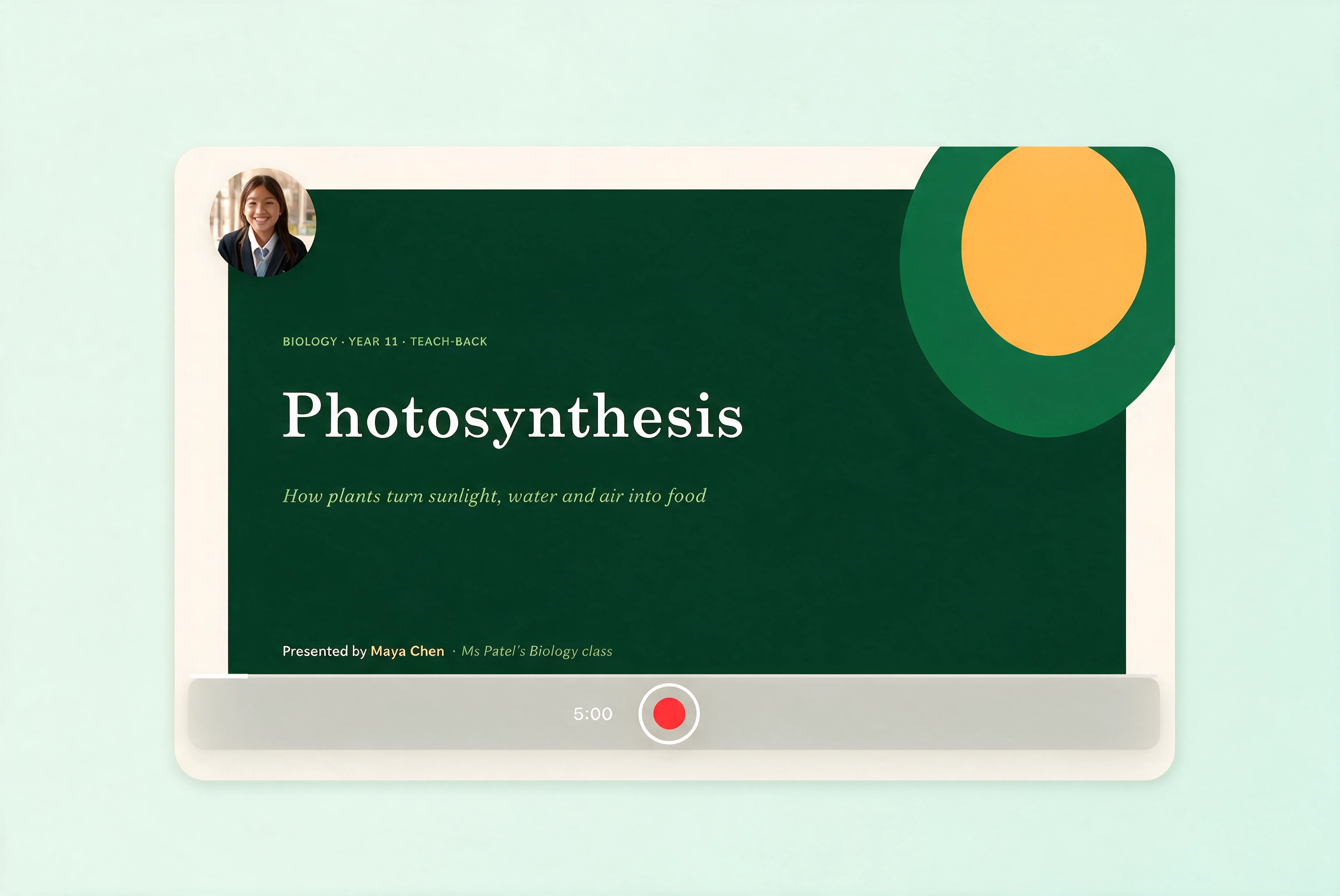
A student builds their Google Slides and records a 5-minute teach-back, explaining the topic in their own words.
Step 2
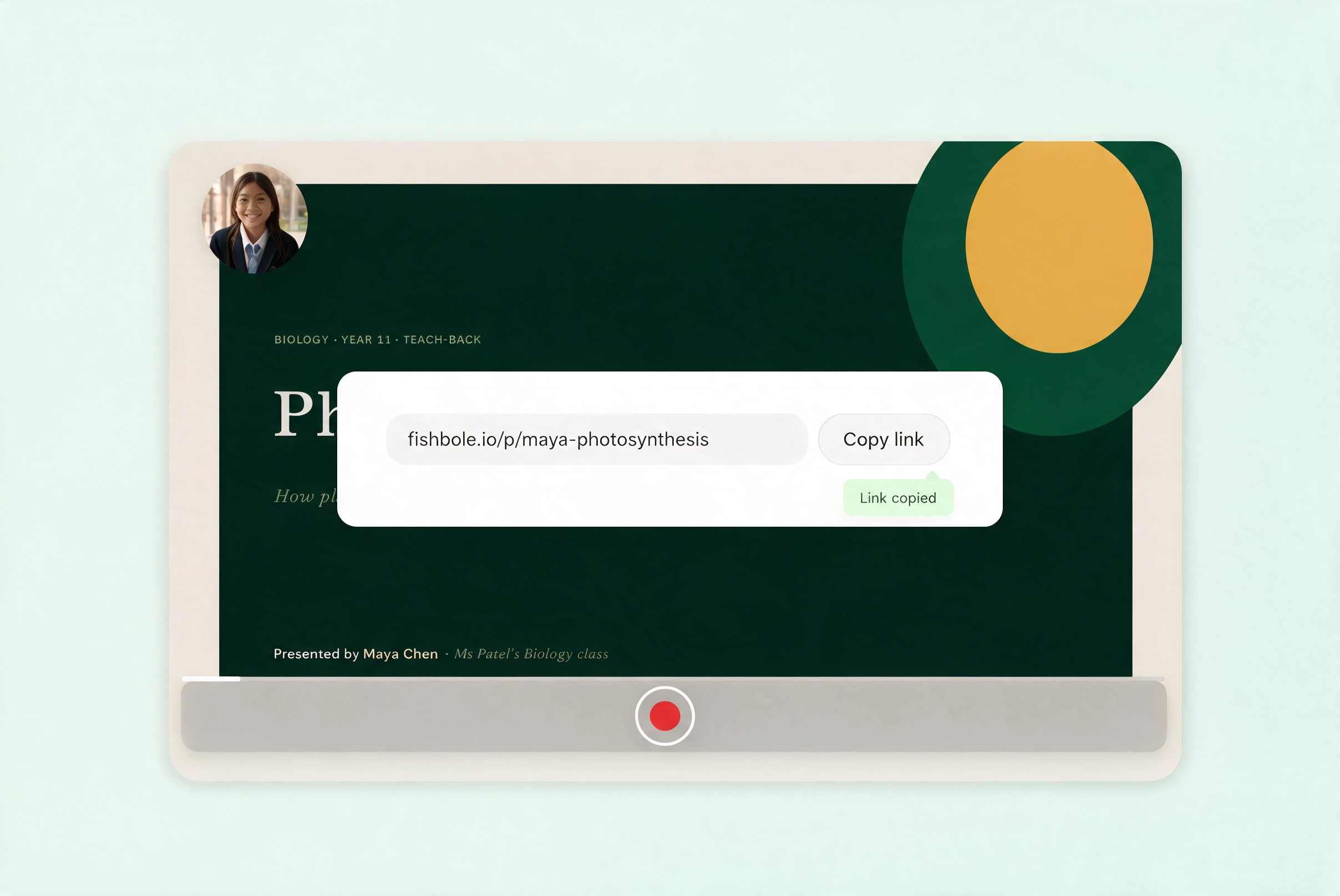
They share it with one click
Fishbole gives every presentation a short link — no uploads, no file sizes, nothing to install. Students just send the link to their teacher.
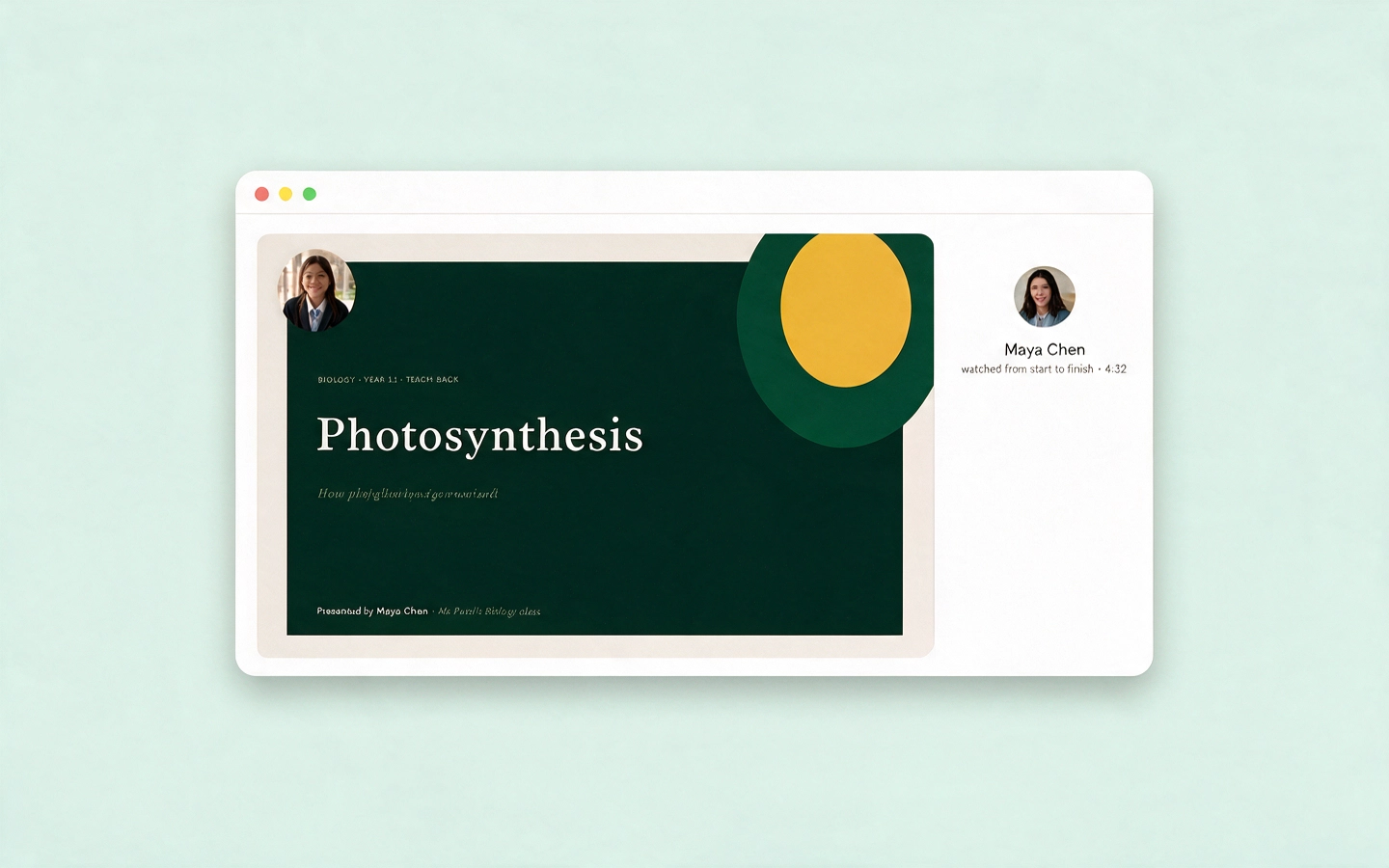
Step 3
Teachers review understanding fast
Every video is capped at 5 minutes, so you immediately see who gets it and who doesn't — and exactly what each student explained.
Teachers can create Fishboles too — record a short micro-lesson or set of instructions and share it with your class to watch and learn from.
Frequently asked questions
Is it really capped at 5 minutes?
Yes — by design. The constraint forces clarity and keeps videos watchable.
Does Fishbole use AI?
No. No AI writing, no avatars, no generated scripts. Students present in their own voice. That's the point.
Is Fishbole a screen recorder?
No. Fishbole connects to Google Slides via the Slides API — slides stay live and editable even after sharing.
Can students submit privately?
Yes — submissions can be private to the teacher only.
What ages does this suit?
Upper primary through tertiary — the 5-minute format works at any level, with expectations adjusted by age.
How do we share to our LMS?
Link or embed — works alongside major LMS platforms.
Do we need to install anything?
No — it runs entirely in the browser.
Try the Flipped-Flipped Classroom this week.
Create one task. Get 5-minute teach-backs. See what students actually understand.
Free to start. No sales call, no credit card.